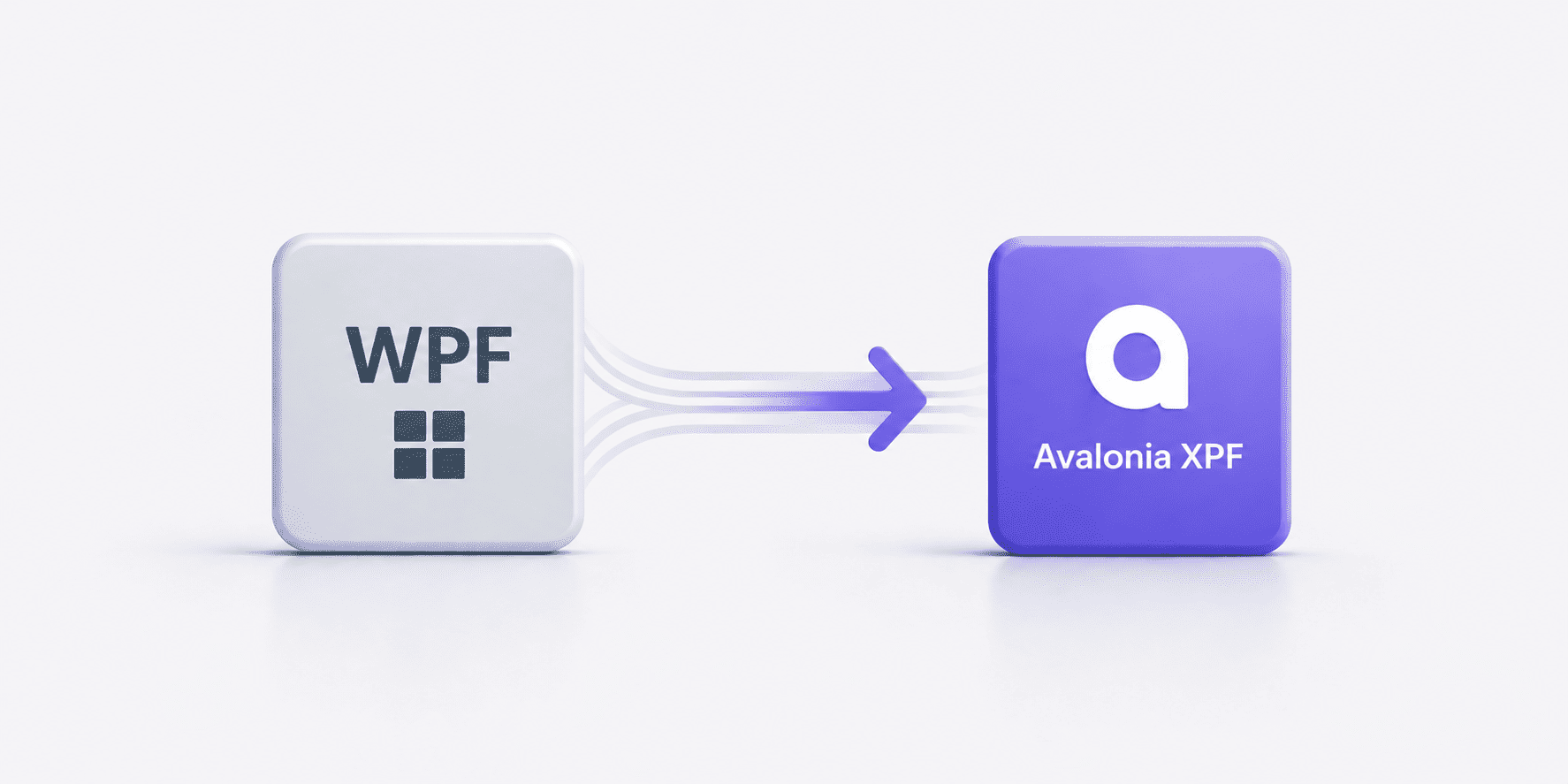
How we migrated a mature WPF financial platform to Avalonia XPF to support macOS without rebuilding the product. This case study covers the migration strategy, technical challenges, and key decisions that enabled a cross-platform architecture while preserving stability and existing business logic.
From WPF to Avalonia XPF: Migrating a Platform Without Rewriting It
How we enabled macOS support while preserving 99.9% of the existing codebase
At UXDivers, we often work with teams that have invested years building complex desktop applications. Rewriting those systems is rarely viable, but staying locked into a single platform, specifically one solely reliant on WPF, is no longer an option, highlighting the need for cross-platform development.
This case study explores how we helped migrate a WPF-based financial advisory platform to Avalonia XPF, enabling macOS support while preserving almost the entire codebase.
Context: A Mature Financial Platform Built on WPF
The application is a desktop platform used by financial advisors to manage investment strategies, analyze portfolios, and generate recommendations under strict regulatory constraints, serving a broad community of finance professionals.
It is used by banks, fintechs, and financial institutions, and was originally built using WPF on .NET Framework. Over time, it evolved into a large, stable, and highly specialized system, with multiple modules and deeply integrated business logic.
The product was not broken. It was simply limited.
The Challenge: Supporting macOS Without Starting Over
The main limitation was clear. The application, originally developed using WPF, could only run on Windows.
The business needed to support macOS environments, but a full rewrite was not an option. The system contained years of validated logic, and introducing risk in a financial context was not acceptable.
At the same time, the application had several constraints:
Dependencies on Windows-specific APIs
Use of DevExpress controls not supported in Avalonia XPF
Rendering logic tied to GDI
Integration with Windows Identity
The question was not how to rebuild the product, but how to evolve it without breaking what already worked.
Why Avalonia XPF
Several approaches were evaluated, including rewriting the application using a different framework.
Avalonia XPF was selected because it allowed us to extend the product to new platforms while preserving the existing investment.
This was not about replacing WPF. It was about giving the product a future beyond Windows.
Migration Strategy
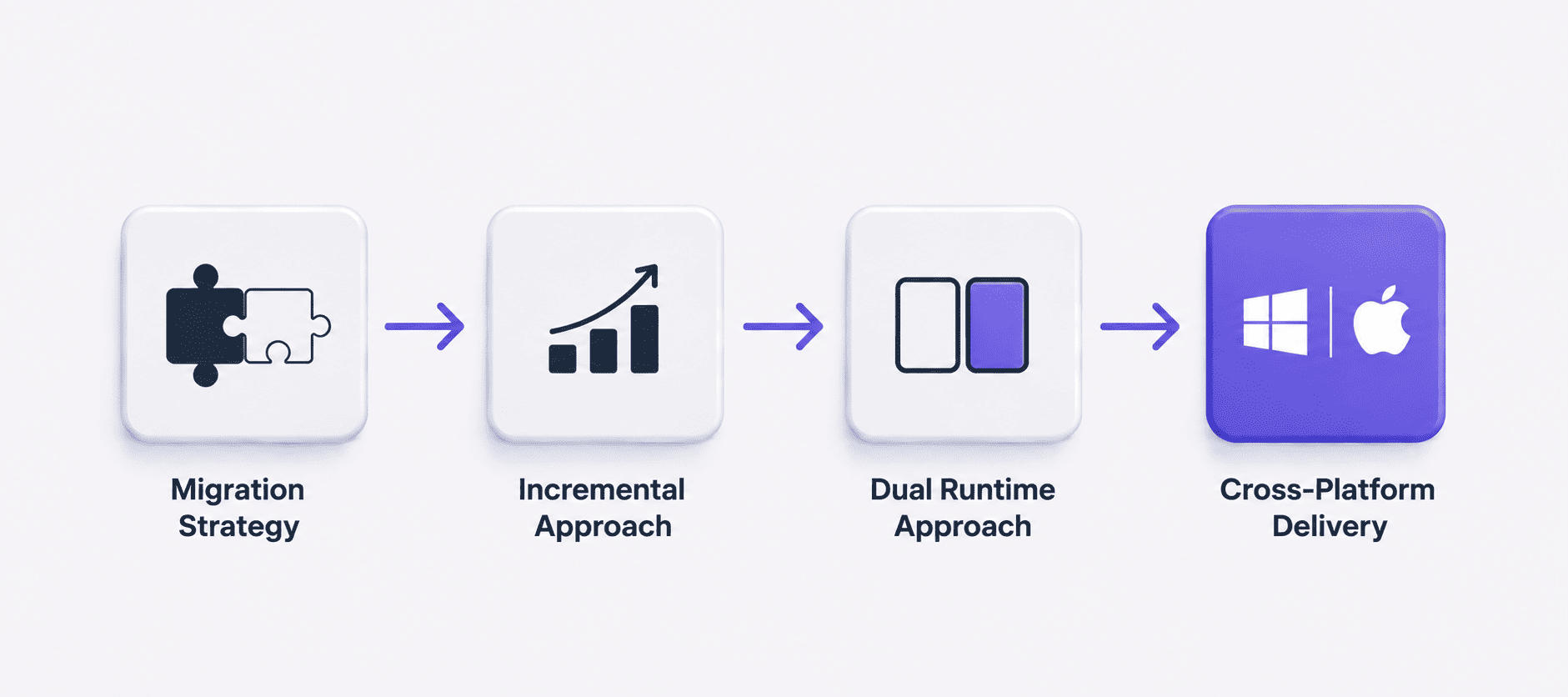
The migration was approached incrementally, focusing on minimizing risk, enhancing performance, and preserving stability.
Dual Runtime Approach
Instead of replacing the existing application, we introduced a dual runtime strategy.
The application continues to run on WPF for Windows, while Avalonia XPF is used for macOS. Both platforms share the same codebase, which allows the team to maintain a single source of truth.
Framework Modernization
Before introducing Avalonia XPF and moving away from WPF, the application was migrated from .NET Framework to .NET 8.
This step was critical to ensure long-term maintainability and compatibility with modern tooling. It required careful analysis of legacy code and targeted refactoring where necessary.
Architectural Adjustments
The application already followed an MVVM architecture, which made the transition significantly easier.
However, some changes were required:
Removal of Prism and MEF
Implementation of a custom dynamic module loading system
Introduction of abstractions for platform-specific components
The goal was to preserve the architecture while making it flexible enough to support multiple platforms, without compromising performance.
Control Abstraction
One of the key decisions was to introduce an abstraction layer for UI controls and platform-dependent features.
This allowed us to:
Replace unsupported controls without affecting the rest of the system
Provide different implementations depending on the platform
Keep the core application logic unchanged
This layer became a fundamental piece of the migration.
Technical Challenges
As expected, several challenges emerged during the process.
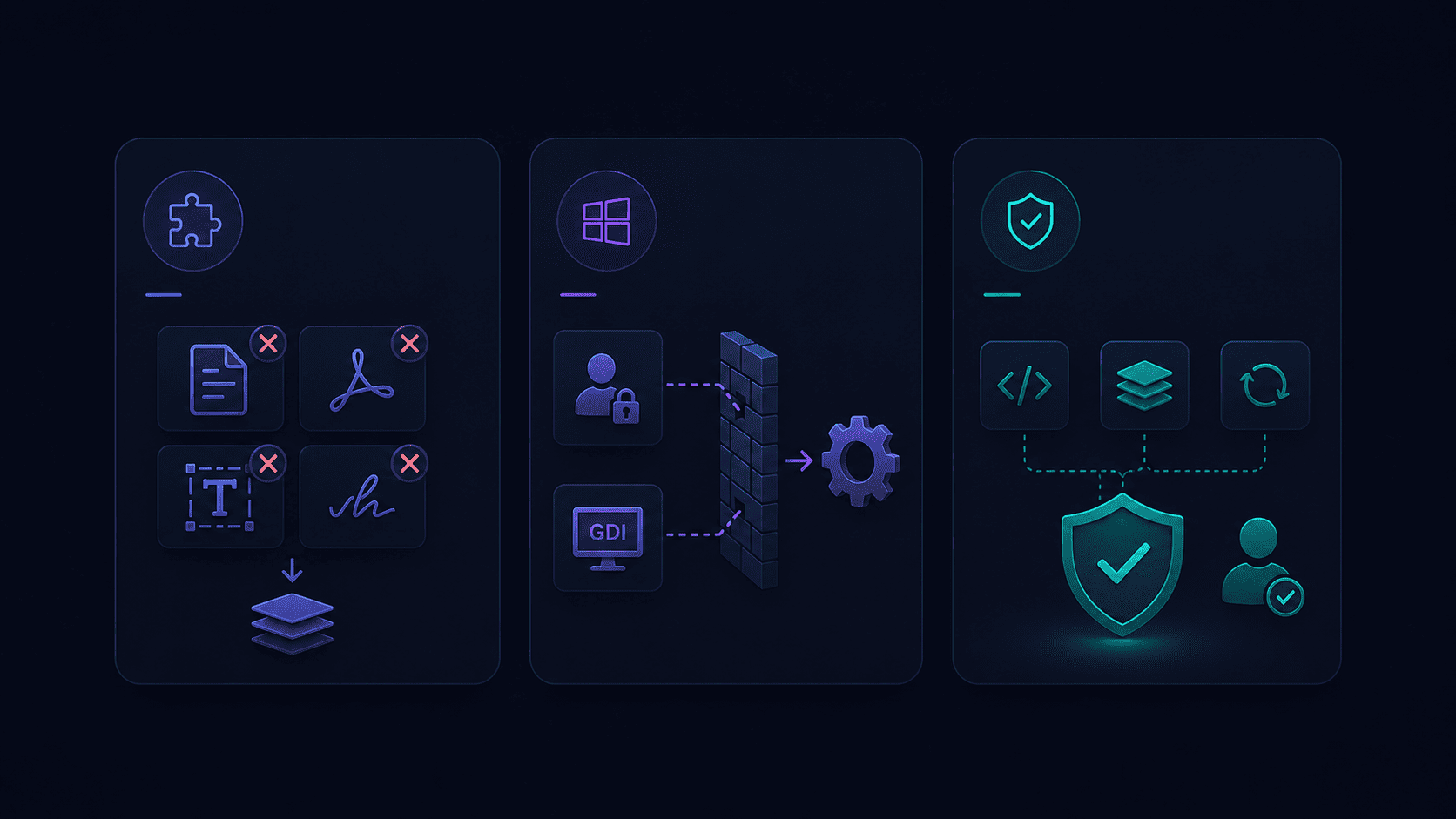
Unsupported Controls
Some controls used in the original application were not compatible with Avalonia XPF, including document-related components, PDF viewers, RichTextBox, and InkCanvas.
These elements had to be replaced, reimplemented, or abstracted behind platform-specific layers.
Windows Dependencies
Parts of the system relied on Windows-specific APIs, including identity management and GDI-based rendering.
These dependencies required careful isolation and, in some cases, alternative implementations.
Stability Requirements
Given the nature of the application, maintaining stability was critical.
By preserving the existing codebase, utilizing Avalonia UI, and avoiding a full rewrite, we were able to minimize regressions, optimize performance, and maintain user trust throughout the process.
Results
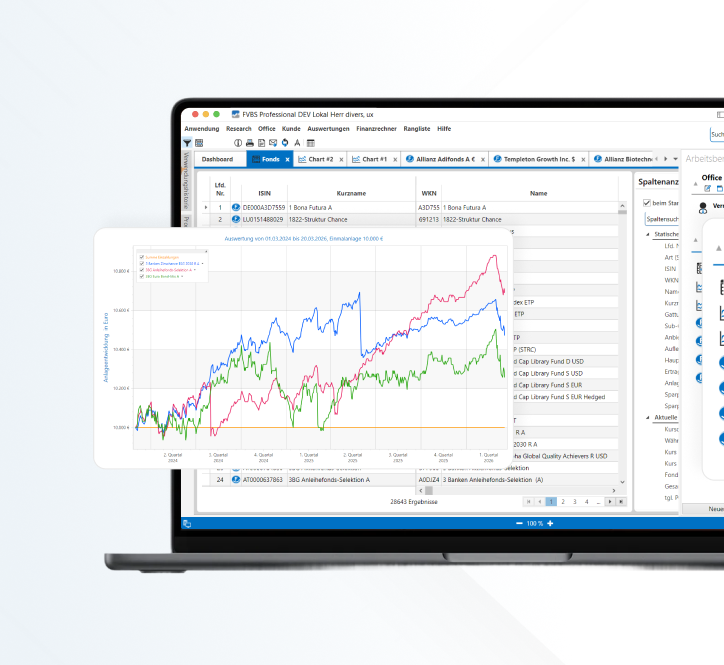
The migration enabled the application to run on Windows, macOS, and Linux while preserving its core functionality.
The vast majority of the existing XAML and data binding configurations were reused, and no full rewrite was required.
The introduction of platform abstractions improved maintainability and prepared the system for future evolution, including potential support for additional platforms such as Linux.
Most importantly, the product was able to evolve without compromising stability.
What We Learned
Several key lessons emerged from this project.
Abstraction is essential when working toward a cross-platform architecture. The earlier platform-specific concerns are isolated, the easier it becomes to extend the system.
Dependencies must be evaluated early. Third-party components and Windows-specific APIs can significantly impact the feasibility of a migration.
Not every system should be migrated. This approach works best when the existing architecture is solid and the level of platform dependency is manageable.
When Does Avalonia XPF Make Sense
Avalonia XPF is a strong option when you have a mature WPF application, need to support additional platforms, and cannot justify a full rewrite.
It is particularly valuable in scenarios where stability is critical and the existing codebase represents a significant investment.
This project was not about adopting a new framework. It was about making a strategic decision on how to evolve a complex product.
By combining a deep understanding of the existing system with careful architectural decisions, we were able to unlock a cross-platform future without starting from zero.
Thinking About Migrating from WPF
If you are working with a large WPF application and facing platform limitations, there may be a path forward that does not involve rebuilding everything.
At UXDivers, we help teams evolve complex products by combining user experience, software architecture, and implementation.
Can WPF run cross-platform?No, WPF is Windows-only. However, Avalonia XPF enables cross-platform execution while reusing existing WPF code.
Do I need to rewrite my WPF application to support macOS?Not necessarily. In many cases, Avalonia XPF allows near-total reuse of XAML, avoiding a full rewrite.
What are alternatives to migrating WPF?Alternatives include rewriting the application using web technologies, .NET MAUI, or native frameworks, but these require rebuilding the UI.
Is Avalonia XPF production-ready?Yes, it is used in production scenarios, particularly for migrating existing WPF applications to cross-platform environments.

.png)