
Whitepaper
From Figma to a working device, without losing the design.
We rebuilt a real embedded dashboard twice, by hand and with the Figma to Qt plugin, to find out what design-to-code automation really delivers.
Free access. No form required.
UXDivers
x

Created in collaboration with Qt.
This research explores practical ways to improve the path from high-fidelity product design to production-ready Qt interfaces.
The problem
Design handoff is where quality quietly erodes.
Turning a high-fidelity design into production code requires developers who are both methodical and have a strong eye for visual detail. Small misalignments, incorrect spacing, or the wrong type weight are enough to erode the perceived quality of an embedded UI, and closing that gap traditionally means continuous back-and-forth between design and development to resolve ambiguity as it comes up.
Automated design-to-code tooling promises to remove some of that dependency. But the real question isn't whether it can generate code, it's whether it can generate code teams can actually use.
What was evaluated
A real application. Two implementation paths.
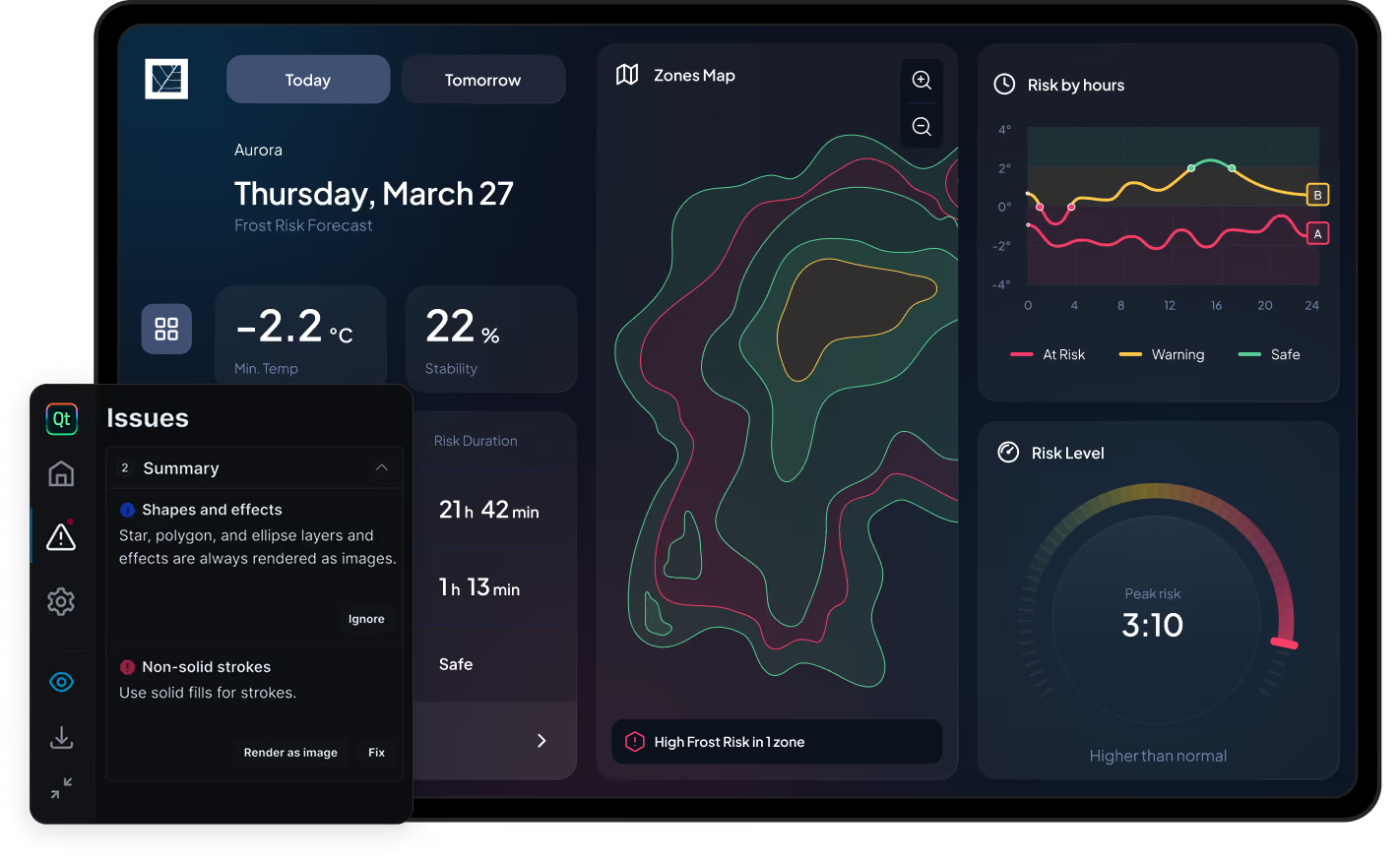
We evaluated the Figma to Qt plugin using an embedded dashboard created for The Climate Box, a platform that helps agricultural operators understand microclimatic frost risk. The application includes dashboards, navigation, settings, status indicators, charts, gauges, and map-based visualizations.
Manual build
Every design token, component, and screen hand-coded in QML, no plugin, no generated code.
Design tokens transcribed by hand
Custom components built from scratch
Simulated backend integration for a dynamic, functional app.
Plugin-assisted build
The same design exported through the Figma to Qt plugin wherever it added value, with manual work only where the plugin fell short.
Design tokens, components, and screens generated as QML
Complex components (map, charts, gauges) still built by hand
Interactive controls wired manually after export
The application was validated on a Toradex Verdin iMX8M Plus module, using a realistic embedded hardware configuration.
VALIDATED ON REAL HARDWARE
Built and tested on Toradex embedded hardware.
The dashboard didn't just run in a desktop preview, we validated both the manual and plugin-generated builds on the actual target device. It runs on a Toradex Verdin iMX8M Plus system-on-module, mounted on a Dahlia carrier board and driving a 10.1-inch capacitive touch display, on top of Torizon, Toradex's Linux-based platform for embedded devices.
Performance held up: navigation, animations, and chart rendering stayed smooth, with no perceptible difference from desktop.
Explore Torizon

What you'll learn
A practical view of where automation helps, and where it does not.
In the whitepaper, we examine:
How Figma files need to be structured for reliable QML generation.
Which design patterns translate effectively into generated code.
Which components still require manual implementation.
The impact on development time and repetitive frontend work.
The level of visual fidelity achieved.
The readability and structure of generated QML.
The implications for maintainability and future product changes.
How generated UI can coexist with custom logic and manually developed components.
Where this workflow is most likely to create value.
Key findings
Four things worth knowing before you adopt it.
Consistent
Output
Generated output stays consistent regardless of who runs the export.
Front-end speed
3.3x
faster
Screen assembly and standard components generated in 70% less implementation time.
Efficiency
1.25x
faster
Overall development time dropped 20%, driven by a 70% cut in front-end assembly.
Fidelity
High
Generated QML stayed remarkably close to the original Figma design, regardless of who ran the export.
Read the full evaluation
Get the complete workflow comparison, technical analysis, implementation findings, and practical recommendations.
Read the whitepaper
About UXDivers
We help teams simplify complex software.
UXDivers is a product design studio working with product, design, and engineering teams to create better user experiences for complex applications.
We are especially valuable when a product involves:
Expert users.
Complex or technical workflows.
Hardware-connected experiences.
Multiple platforms.
Legacy systems.
Significant implementation constraints.
A gap between product, design, engineering, and users.
Our work combines product strategy, UX/UI design, design systems, prototyping, and frontend implementation expertise.
We do not treat design and engineering as separate conversations.
We do not treat design and engineering as separate conversations.
Learn more about UXDivers

“What stands out about UXDivers is their ability to balance user experience, product goals, technical constraints, and the realities of software-hardware interaction.”

Daniel Bollish
Principal Software Engineer at Stellaromics
Related work.
UX/UI Design
UI Development
Stellaromics
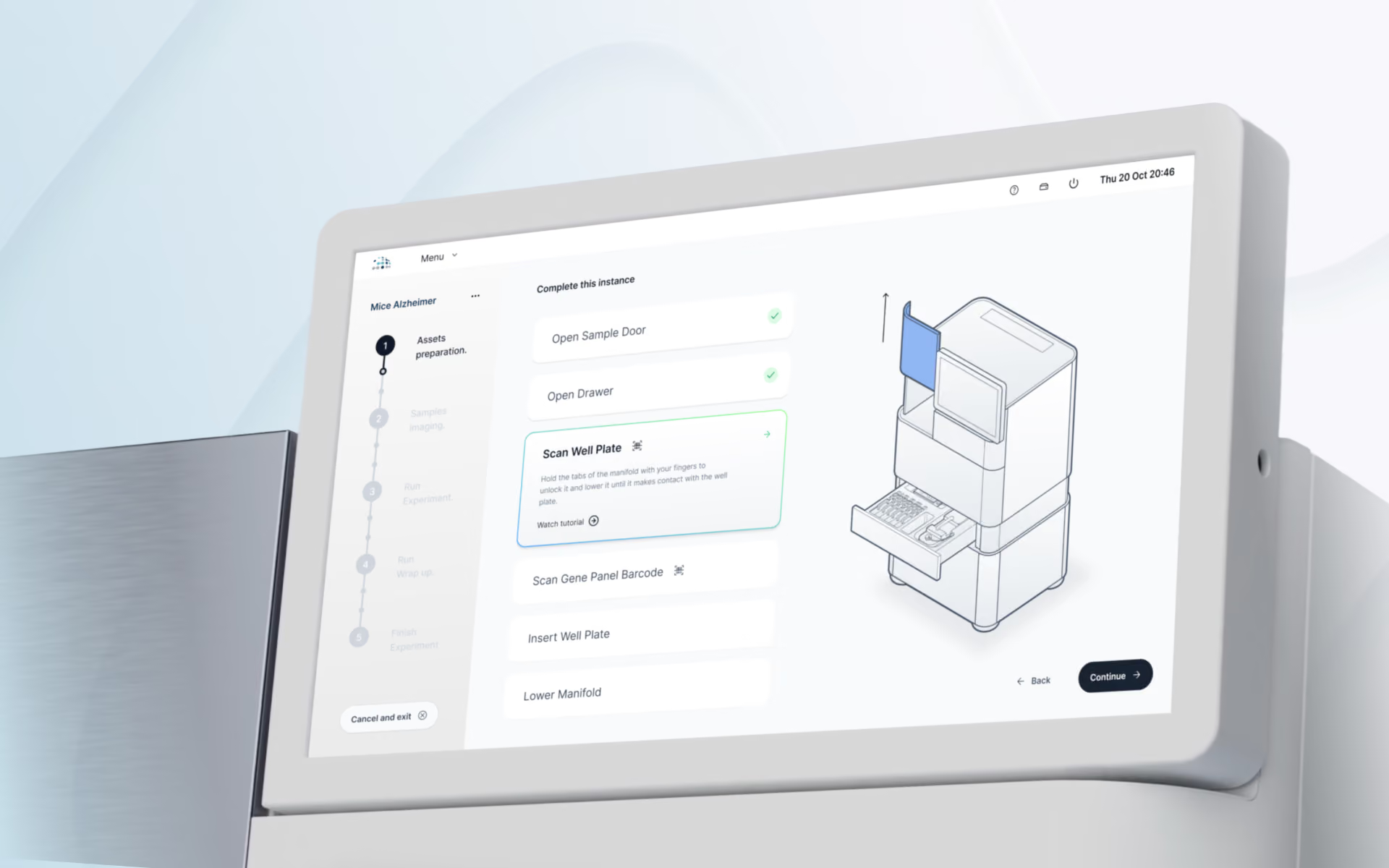
Instrument-facing software for Pyxa, Stellaromics' 3D spatial multi-omics platform.
UX/UI Design
UI Development
Activate Metabolics
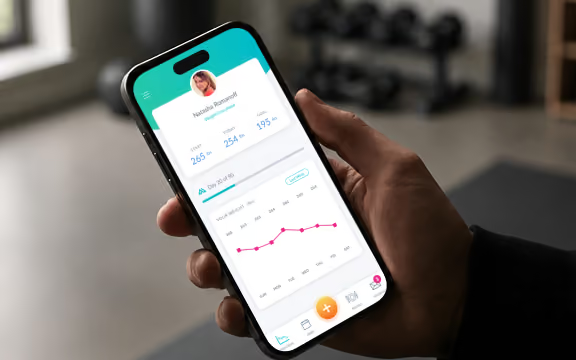
A cross-platform mobile app for clinical weight-management programs.
UX/UI Design
UI Development
Lahitaksi
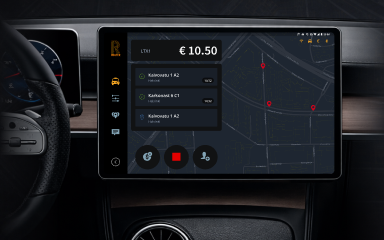
The interface connecting software, taximeter, and onboard hardware for real taxi operations.
Working on a complex product?
We help product and engineering teams simplify difficult workflows, improve usability, and reduce the gap between design and implementation.


