Can Avalonia Be Used for Mobile Apps? A Real Cross-Platform Experiment
We built a real cross-platform mobile app using Avalonia to understand its strengths, limitations, and how it compares to .NET MAUI and Uno Platform in real-world scenarios.
Avalonia Mobile App Development: A Real Cross-Platform Test
Cross-platform development has always promised efficiency.
Write once, run everywhere. Faster delivery. Lower costs.
But in practice, most teams still struggle with the same trade-offs: performance, maintainability, and user experience across platforms.
In the .NET ecosystem, frameworks like .NET MAUI and Uno Platform have become the default choices for mobile development.
But there’s another player that’s been gaining a lot of attention lately: Avalonia.
So we decided to explore a simple question:
Can Avalonia actually be used to build mobile apps?
Short Answer
Yes! Avalonia can be used to build cross-platform applications, including mobile scenarios.
But the more interesting question is not if it can, but when it makes sense, and what trade-offs come with it compared to other .NET frameworks.
That’s exactly what we set out to explore.
Why We Built This Demo App
At UXDivers, we’ve been working on cross-platform .NET applications for a long time.
About 10 years ago, we launched the first version of Grial UI Kit with a simple goal: help developers improve their app design, accelerate development, and build well-structured applications using XAML and C#.
Since then, we’ve worked across multiple platforms and environments — from WPF and Xamarin to modern frameworks — often dealing with complex user interface challenges in real-world products.
Over the past few years, we’ve been increasingly working with Avalonia — a framework we genuinely enjoy using. Not just because of its technical capabilities, but also because of its growing community and the clarity of its long-term vision.
We’ve already used Avalonia in real-world projects, including mobile applications in demanding environments like medical and scientific software, often targeting platforms such as Linux, Windows, and macOS.
But in many of those cases, we can’t publicly share the results.
So, in true UXDivers fashion, we decided to build something we could share.
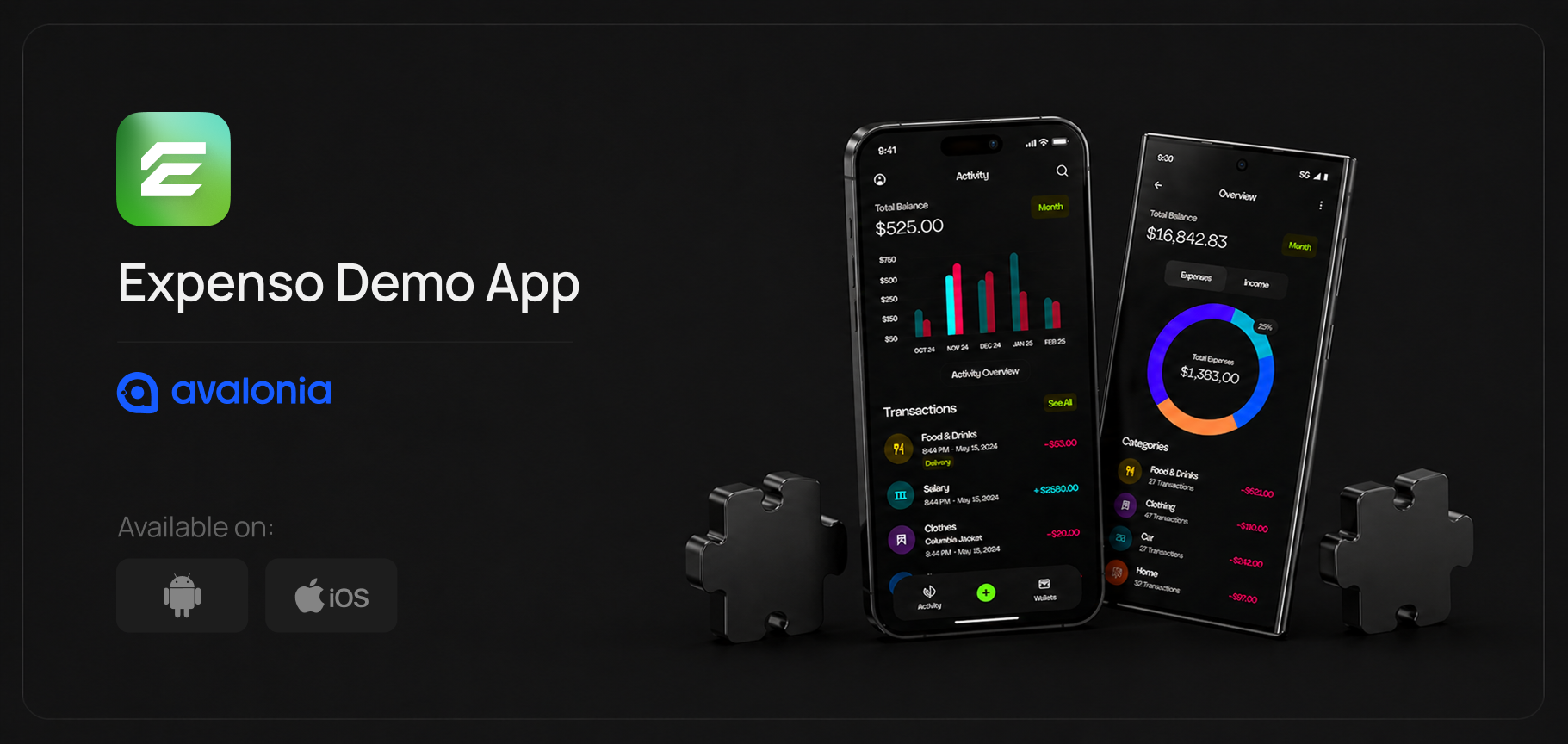
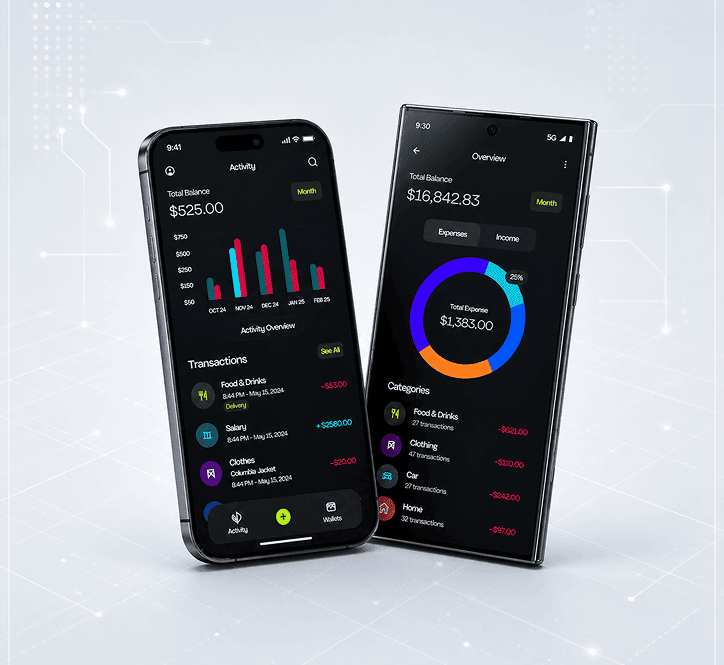
That’s how Expenso was born.
What is Expenso?
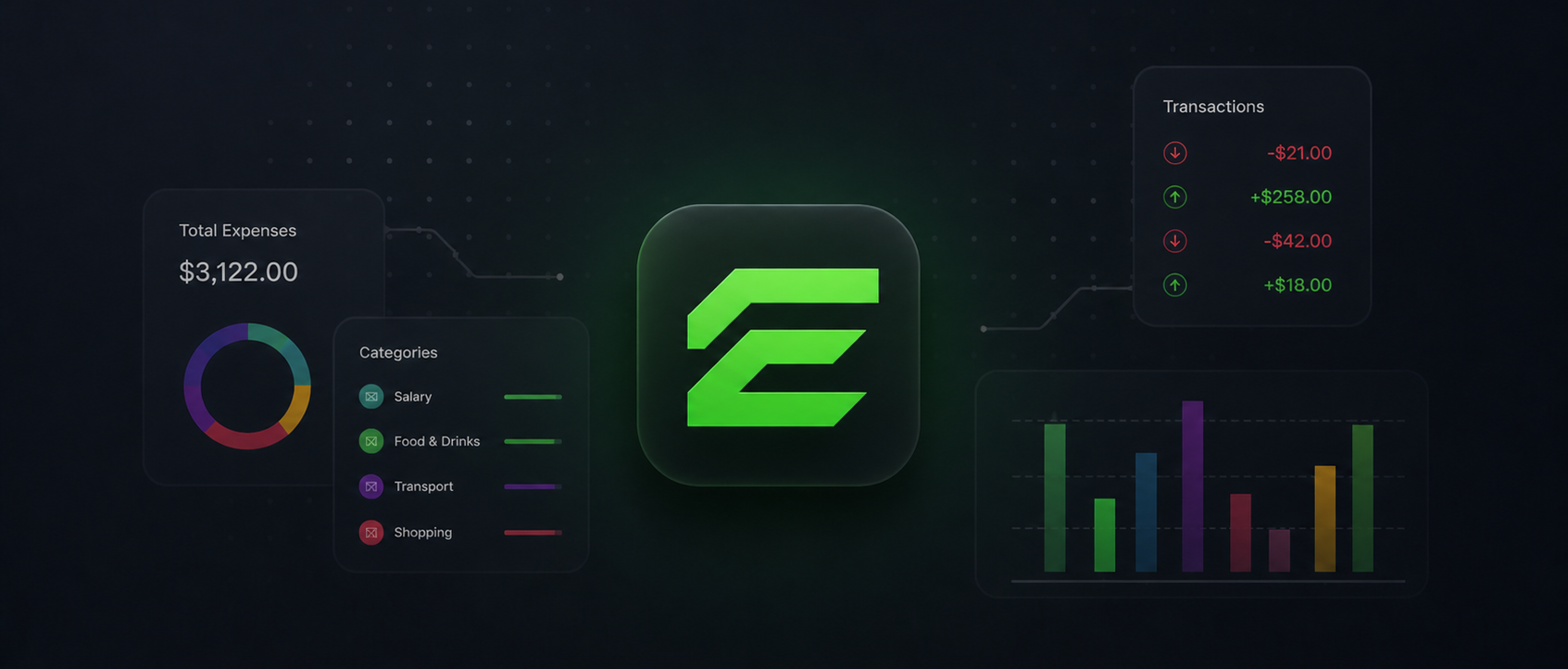
Expenso is a simple cross-platform expense tracking app.
It’s not meant to be feature-heavy or production-ready.
Instead, it’s a focused experiment — designed to explore what building a mobile experience with Avalonia actually looks like today.
We deliberately kept the scope small, so we could focus on what really matters:
Interaction design
Responsiveness
Architecture
Cross-platform behavior
Try the App and Explore the Code
Expenso is not just a conceptual demo — it’s something you can actually explore.
We’ll be making the app available through TestFlight, so you can experience how Avalonia behaves in a real mobile scenario, including interaction patterns, performance, and overall UI behavior.
Expenso is still in the works. We’re preparing the public demo, the TestFlight build, and access to the full implementation for teams evaluating Avalonia on real projects.
👉 Want early access when it’s ready?Get in touch and we’ll let you know.
What This Demo Actually Explores
Rather than building a complex product, we used Expenso to validate a few key ideas:
How well Avalonia adapts to mobile interaction patterns
How responsive layouts behave across devices
How clean and maintainable the architecture can be
What the real developer experience feels like
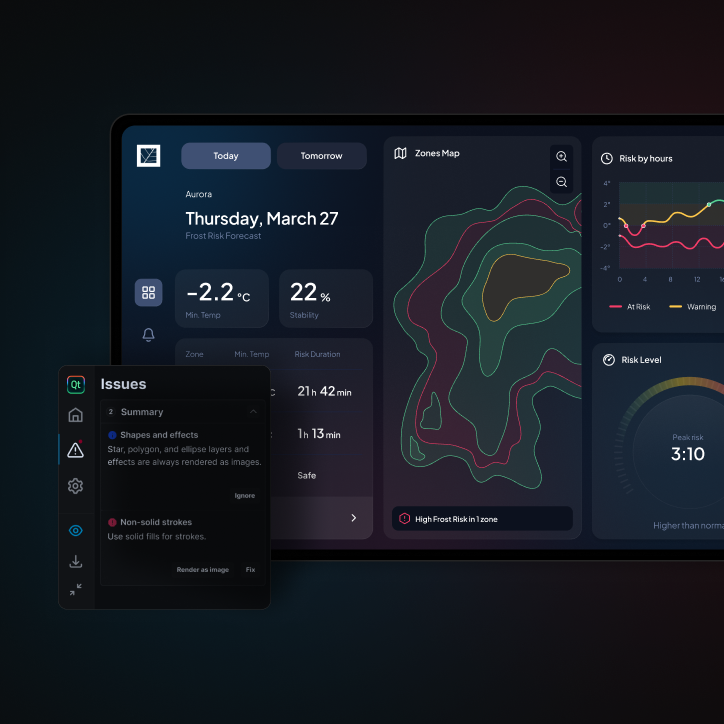
This includes evaluating how Avalonia handles tooling, layout systems, and UI composition within a real development environment, compared to more established frameworks.
Cross-platform development is not just about sharing code.
It’s about building something that feels right in every context.
Technical Approach
We approached this project the same way we would approach a real product.
Stack
Avalonia UI
MVVM architecture
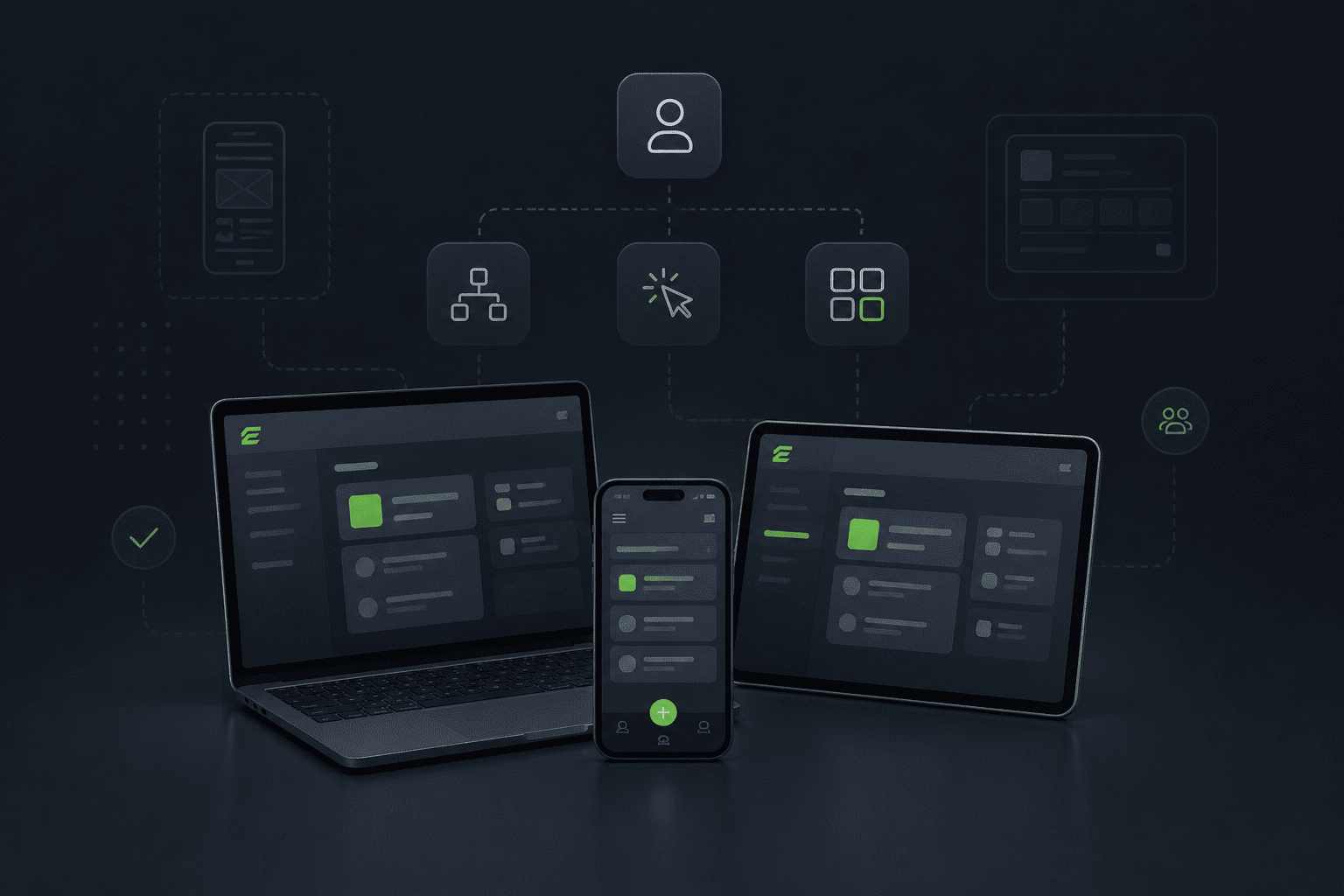
Shared codebase across platforms
XAML-based UI definitions
Built using C# and the .NET ecosystem
Development Environment
We also paid close attention to the development environment and overall tooling experience.
Understanding how Avalonia integrates with existing .NET workflows, editors, and debugging tools was a key part of this evaluation, especially for teams coming from WPF or MAUI.
UX and Product Thinking
One of the biggest challenges in cross-platform development is not technical.
It’s conceptual.
Designing for multiple platforms doesn’t mean forcing the same UI everywhere.
It means understanding how interactions translate across contexts.
In Expenso, we focused on:
Clear navigation patterns
Predictable interactions
Consistent visual structure
Even in a simple app, these decisions make a big difference in how the user interface behaves and feels across platforms.
Another interesting aspect is how the Avalonia community contributes to evolving UI patterns, controls, and best practices, which plays a key role in how quickly teams can adopt and extend the framework.
Choosing a Cross-Platform Strategy in .NET
When evaluating cross-platform development in the .NET ecosystem, most comparisons stay at a surface level.
But the real differences only become clear when you look at how each framework approaches UI rendering, architecture, and long-term maintainability.
If you're currently exploring options, you’ve probably already come across Avalonia, .NET MAUI, and Uno Platform.
Each of them solves a similar problem — building applications that run across platforms — but they take fundamentally different approaches.
Before jumping into conclusions, it’s worth grounding this comparison in their official positioning:
Here’s a simplified way to understand how they differ:
Criteria
Avalonia
.NET MAUI
Uno Platform
Primary focus
True cross-platform (desktop + mobile)
Mobile-first (iOS, Android)
WinUI-based cross-platform
UI rendering
Fully custom rendering engine (consistent across platforms)
Native controls (platform-dependent behavior)
Platform-dependent (WinUI / WebAssembly / Skia)
Cross-platform consistency
High (same UI across all platforms)
Medium (UI varies per platform)
Medium-High
Desktop support
Strong
Limited
Strong
Mobile readiness
Emerging, evolving
Mature
Mature
Control over UI
Very high
Medium
High
Architecture flexibility
High
Medium
Medium
Performance control
High (custom rendering pipeline)
Platform-dependent
Varies depending on backend
Vendor lock-in
Low
High (Microsoft ecosystem)
Medium
Best fit
Complex apps, HMI, long lifecycle cross-platform products
Mobile apps with native integration needs
Enterprise apps aligned with WinUI ecosystem
What stands out is that Avalonia is not trying to compete directly with mobile-first frameworks.
Instead, it takes a different approach — one that prioritizes consistency, control, and long-term architecture across platforms.
This makes it particularly interesting for scenarios where desktop, embedded, and mobile experiences need to coexist as part of the same product.
If you're dealing with complex interfaces, industrial systems, or applications that need to scale across environments — including Linux, Windows, and macOS — this kind of consistency becomes a key factor.
We’ve seen this especially in projects involving embedded interfaces and HMI systems, where UI behavior needs to be predictable across devices and operating systems. → https://uxdivers.com
If you're interested in how we approach cross-platform UI architecture in real-world scenarios: → https://uxdivers.com/services
At the same time, it’s important to recognize that .NET MAUI remains a very strong choice for mobile-first applications.
Uno Platform also plays a relevant role, particularly in enterprise environments.
The key is not choosing the “best” framework — but choosing the one that best fits the constraints and goals of your product.