Jul 29, 2024
Navigating the migration journey
Embarking on the migration journey can be daunting for Xamarin Forms app owners, developers, or architects.
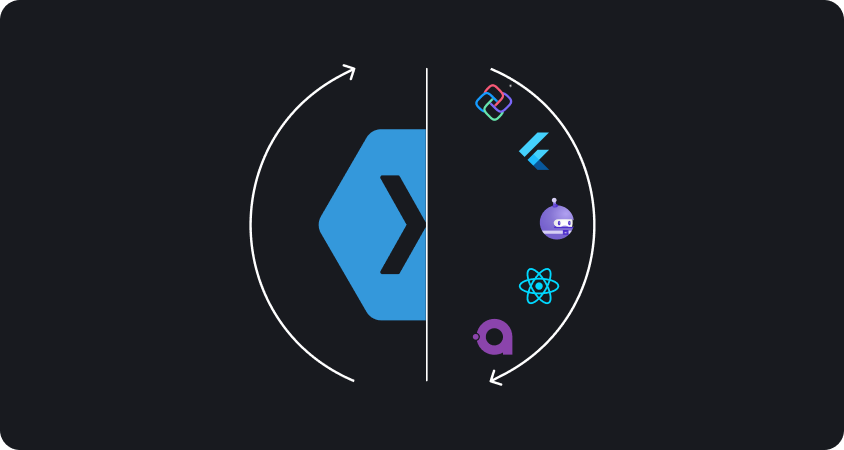

As technology continually evolves, so do the expectations of mobile users. The first step of a successful migration is to understand the why. Two significant factors driving the need for migration are:
With Microsoft's decision to end support for Xamarin Forms, staying on the same path could leave your application vulnerable to security risks and compatibility issues. It's crucial to assess the implications of this change on your app's functionality and stability.
Mobile technologies are advancing rapidly, offering new features, capabilities, and user experiences. To keep up with the competition and meet user demands, migrating your Xamarin Forms app to a more modern platform becomes imperative.
When considering migration, there are several paths you can take. We'll focus on three primary options: keeping it in a cross-platform framework, turning it into a native environment, or going for a hybrid option

Microsoft's Multi-platform App UI (MAUI) offers a seamless transition for Xamarin Forms developers, providing a unified framework for building cross-platform apps with .NET and C#. Understanding the migration process and leveraging MAUI's enhancements can future-proof your applications.
Among the main benefits of migrating to MAUI, we highlight the possibility of maintaining a single codebase for all platforms while achieving native performance.
Migrating from Xamarin to Uno Platform opens up new avenues for developers aiming to create cross-platform applications . Uno Platform stands as a robust framework, allowing developers to craft applications for iOS, Android, Windows, and Web from a unified codebase, harnessing well-known tools like C# and XAML.
For those with existing UWP applications, Uno Platform provides a smooth transition avenue, enabling them to leverage their existing investments and broaden their scope to encompass additional platforms.
Avalonia, an open-source UI framework, enables developers to seamlessly create desktop applications across Windows, macOS, and Linux, utilizing familiar tools like .NET and C#. It's a compelling choice, particularly for those experienced with WPF or targeting embedded devices.
One of the standout benefits of migrating to Avalonia is its growing user base, leading to a larger community and promising future prospects.
Google's Flutter framework provides a compelling alternative for cross-platform development, offering high-performance, customizable UIs with a single codebase. Migrating from Xamarin to Flutter requires a shift in development paradigms but opens doors to new possibilities and efficiencies.
High-performance rendering that allows beautiful animations and the hot reload (https://docs.flutter.dev/tools/hot-reload) feature to quickly iterate on app UI during development are our highlighted picks.
Facebook's React Native framework enables building native-like mobile apps using JavaScript and React. While differing in approach from Xamarin, React Native offers robust cross-platform capabilities and a vast ecosystem of libraries and tools.
The amazing code reusability capability of React Native and the community support that surrounds it are definitely the main advantages of this option.
Opting for native development involves rebuilding your app separately for each platform using their respective languages and tools. While this approach offers maximum performance and platform-specific features, it requires more resources and expertise.
If you are supported by a large team and you are looking to optimize and create high-performing apps for each platform, with no limits in the future, you should read our complete analysis of Xamarin to Native migration.